Create Display Rule
info
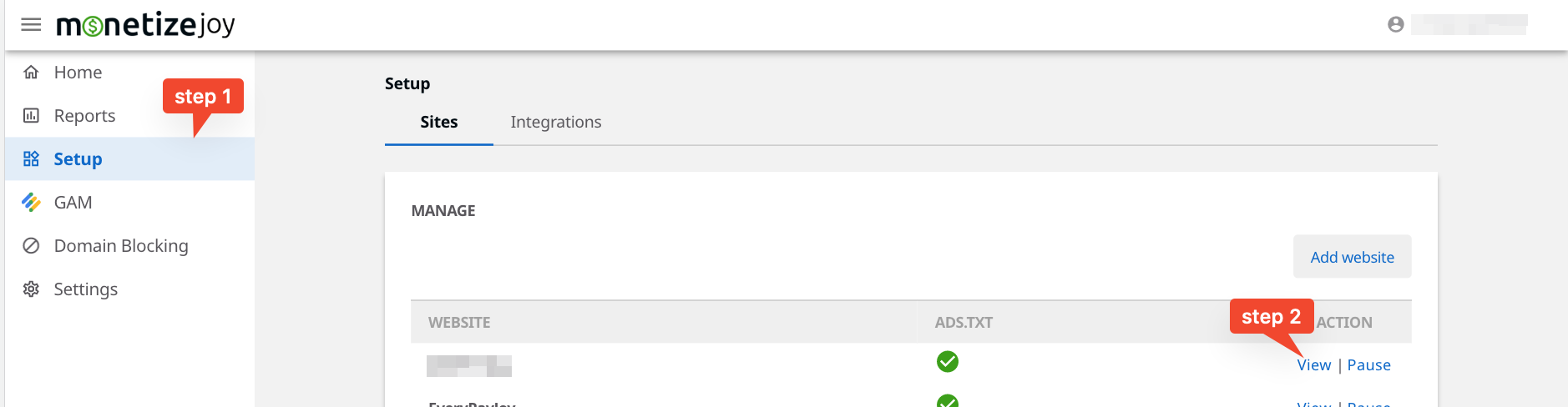
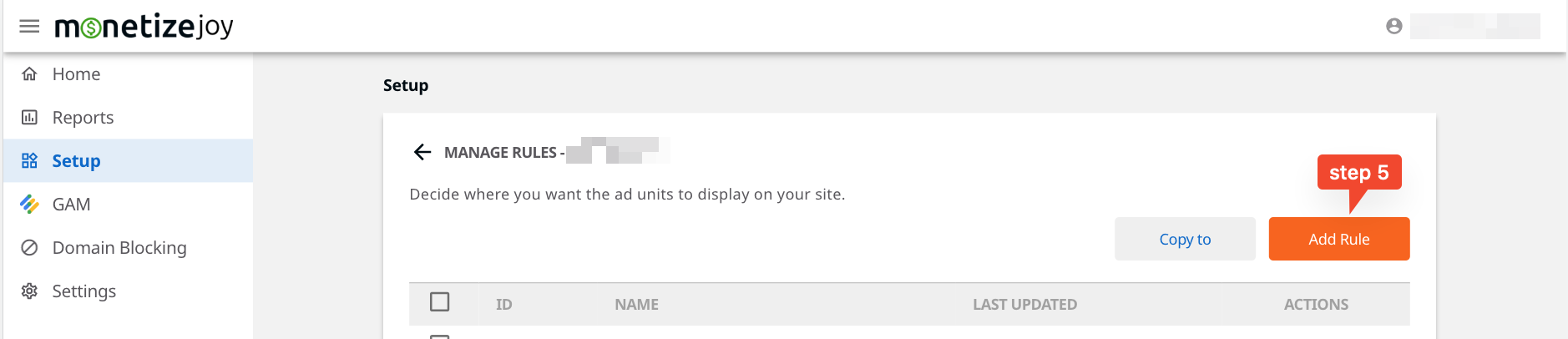
Sites > View website > Manage Ad Units > Display Rules > Add Rule
Decide where you want the ad units to display on your site.


Rule
Fields
| Field | Description |
|---|---|
| URL | the whole URL. Example: https://www.example.org/articles/index?expand=comments |
| Hostname | the domain of the URL. Example: www.example.org |
| Pathname | the path of the URL for the location, not including the query string or fragment. Example: /articles/index |
Operators
| Name | Description |
|---|---|
| equals | eq |
| does not equal | ne |
| contains | in |
| does not contain | not in |
| matches regex | matches regex |
| does not match regex | not matches regex |
Values
| Type | Description | Example |
|---|---|---|
| string | plain text | example text |
| regex string | a valid regular expression | ^hello$ |